Housing society management software for Nest City.
Housing society management software in practice: Nest City manages plot bookings, instalments, accounts and client communication on EZIERP, Eziline's society ERP for Pakistan, with every plot file, payment and ledger entry in one system and clients reachable by SMS, WhatsApp and email.
Housing society softwarePlot bookingChart of accountsClient & dealer ledgersSMS & WhatsApp
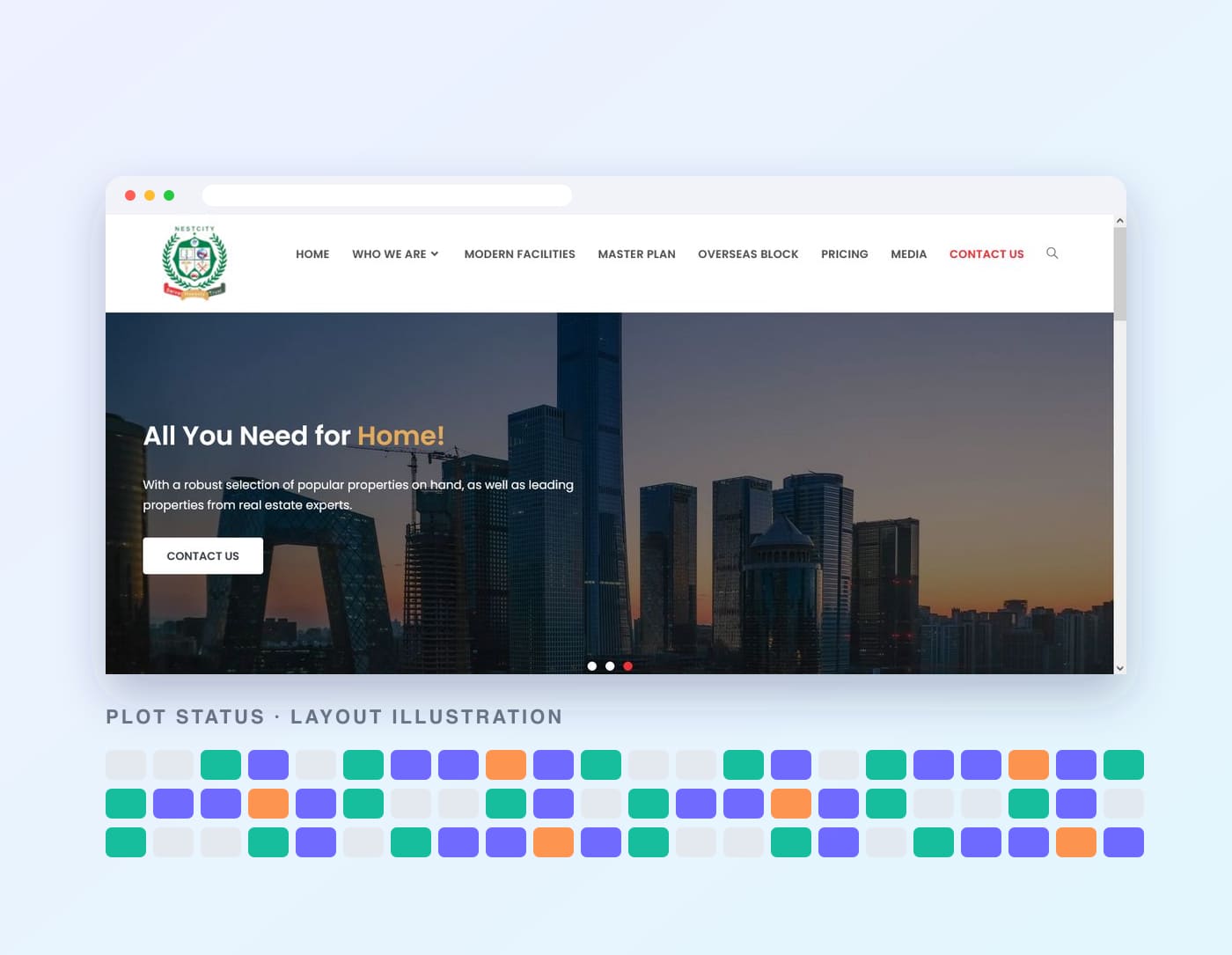
Nest City website screenshot, plot grid illustrative
5Property types booked: plot, house, apartment, shop, unit
4Levels in the chart of accounts
3Ways to reach clients: SMS, WhatsApp, email
2022Year Eziline and Nest City signed their MoU
Client
Nest City, a housing society in Pakistan
Industry
Real estate and housing societies
Solution
EZIERP society management: bookings, plots, accounts, ledgers and messaging
Accounting
Four-level chart of accounts, client, dealer and bank ledgers
Client reach
SMS, WhatsApp and email from the same system
Delivered by
Eziline Software House, with a client app and the project website
The challenge
A society sells land over years, so the paperwork lasts for years.
A housing society is a long relationship. Nobody buys a plot in one payment: a booking leads to an advance, then instalments, then possession and transfer. Every step has to be recorded, collected and accounted for.
Plots, bookings and files
Each plot sits in a block and street, has a size, a price and a status, and becomes a booking file with a client, a next of kin and often a dealer. Without one register, files, plots and payments drift apart.
Accounts that follow the sales
Money arrives as advances, instalments, quarterly and half-yearly payments, possession and transfer charges, by cash, cheque or bank. Each receipt must land in the right ledger and the chart of accounts.
Clients and dealers to keep in touch with
Buyers need confirmations, receipts and reminders before a due date. Dealers need their commission tracked. Doing that by hand across hundreds of files means late recoveries and disputes.
One plot file at the centre
Everything that touches a plot hangs off one record.
The booking file links the plot to the client, the dealer, the instalment plan and the accounts, and the same data reaches buyers through the channels they use.
Linked records
Client · Dealer · Block and plot · Instalment plan · Receipts and cheques · Chart of accounts
Plot booking software and accounts in one housing society ERP.
EZIERP's society module is organised around the booking. Plots, payments, accounts and messages all read the same file, so nothing is typed twice.
Projects, blocks and plot inventory
Set up each project with blocks and streets, then list plots, houses, apartments, shops and units with size in marla, preference, description, pictures and features. A block map view helps staff see what is open.
ProjectsBlocksStreetsPlots
Bookings and plot file management
A booking form with form number and file number, client details, next of kin, plot size and preference, dealer, advance and concession, plus attachments. Existing records come in through a bulk upload template.
Booking formFile numbersNext of kinBulk upload
Instalment plans and payment schedules
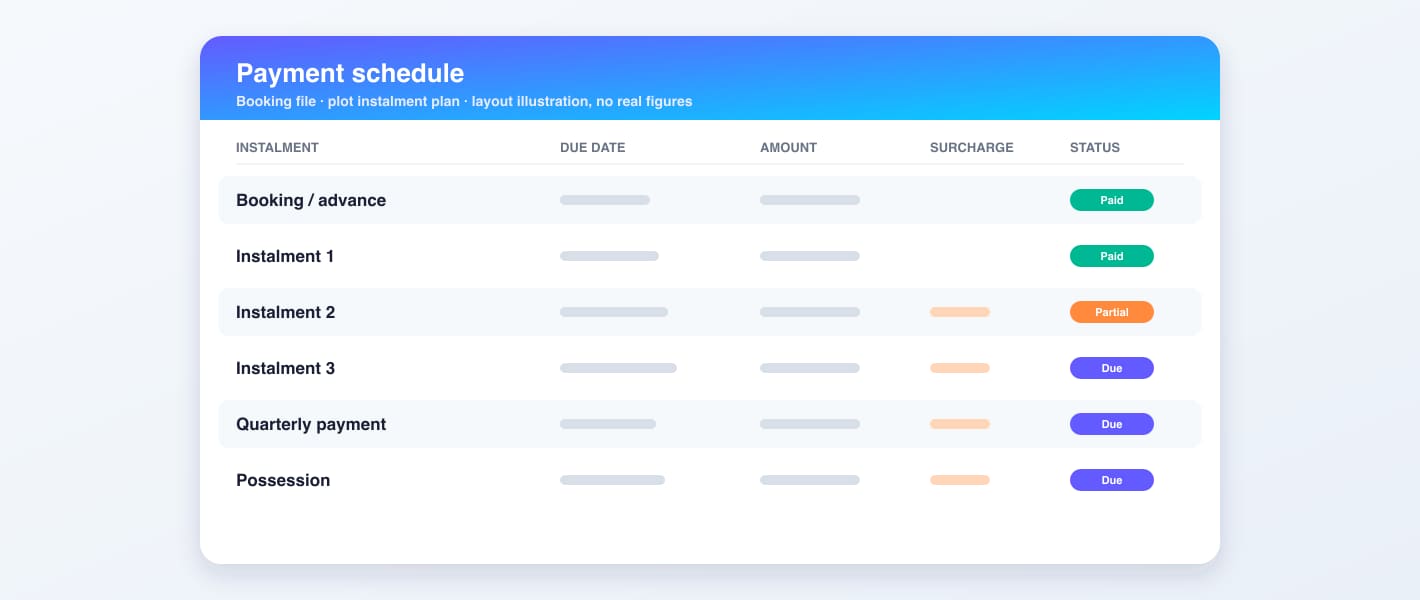
Choose a cash plan or an instalment plan with advance, monthly instalments, quarterly and half-yearly payments and a possession amount. Schedules can be re-planned and printed for the client.
Cash planInstalmentsPossessionRe-schedule
Receipts, cheques and surcharge
Record payments by cash or bank, IBFT and cheque against the right instalment, with payment types such as down payment, instalment, registry, transfer and possession. Late payments can carry a surcharge, and post-dated cheques are tracked in a cheque list.
ReceiptsChequesSurchargeInvoice history
Chart of accounts and financial reports
A four-level chart of accounts that every receipt and voucher posts to, with a general ledger, journal ledger, trial balance, balance sheet and income reports to read the result.
Four levelsTrial balanceBalance sheetGeneral ledger
Client, dealer and bank ledgers
A customer ledger per client and booking that can be printed, a dealer ledger for commission, and bank ledgers, so every balance can be traced back to the entries behind it.
Client ledgerDealer ledgerBank ledger
Dealers and commission
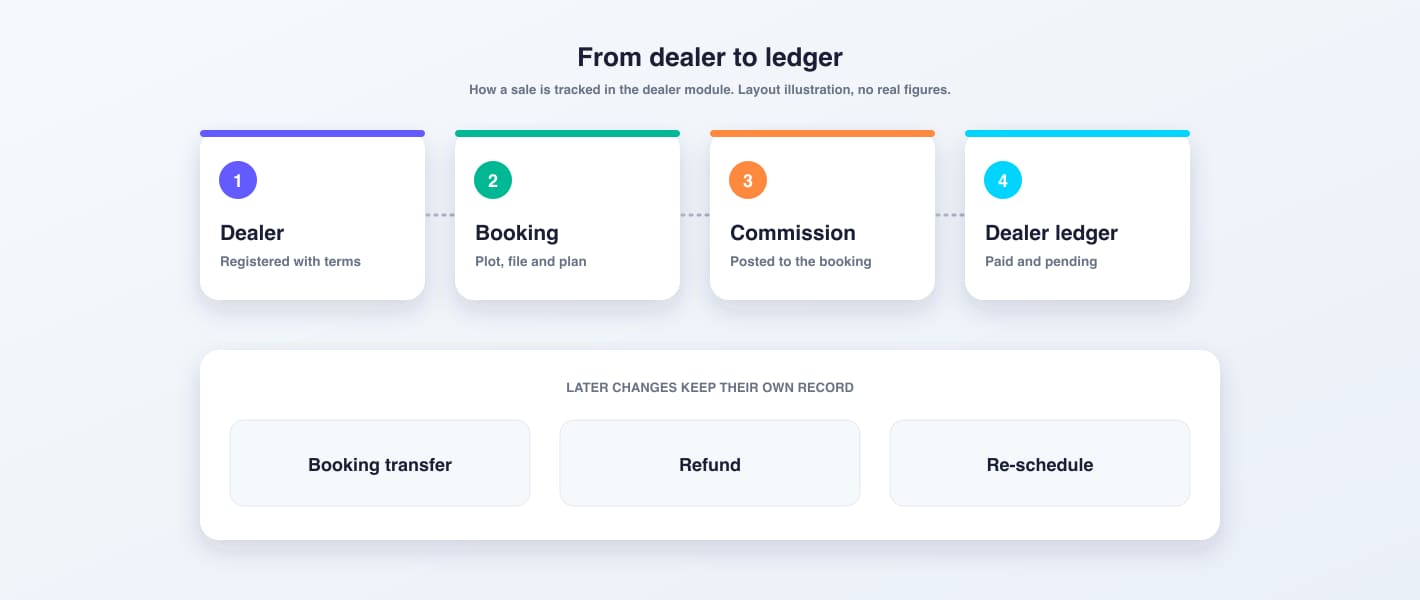
Register property dealers, attach them to bookings, calculate and pay commission against each booking, and move a client from one dealer to another with a transfer record. Dealers get their own dashboard.
Dealer CRMCommissionDealer transfer
Transfers, refunds and cancellations
Transfer a booking to a new owner, refund a booking with its amounts accounted for, or deactivate it, each with its own record so the history stays honest.
Booking transferRefundDeactivate
Client communication by SMS, WhatsApp and email
Booking confirmations and payment receipts go out by SMS or WhatsApp, due-date reminders go out ahead of an instalment, and staff can send bulk messages to all clients, late payers, one client or any number. Leads are followed by email, calls and meetings.
SMSWhatsAppBulk messagesEmail
Leads, CRM and the client app
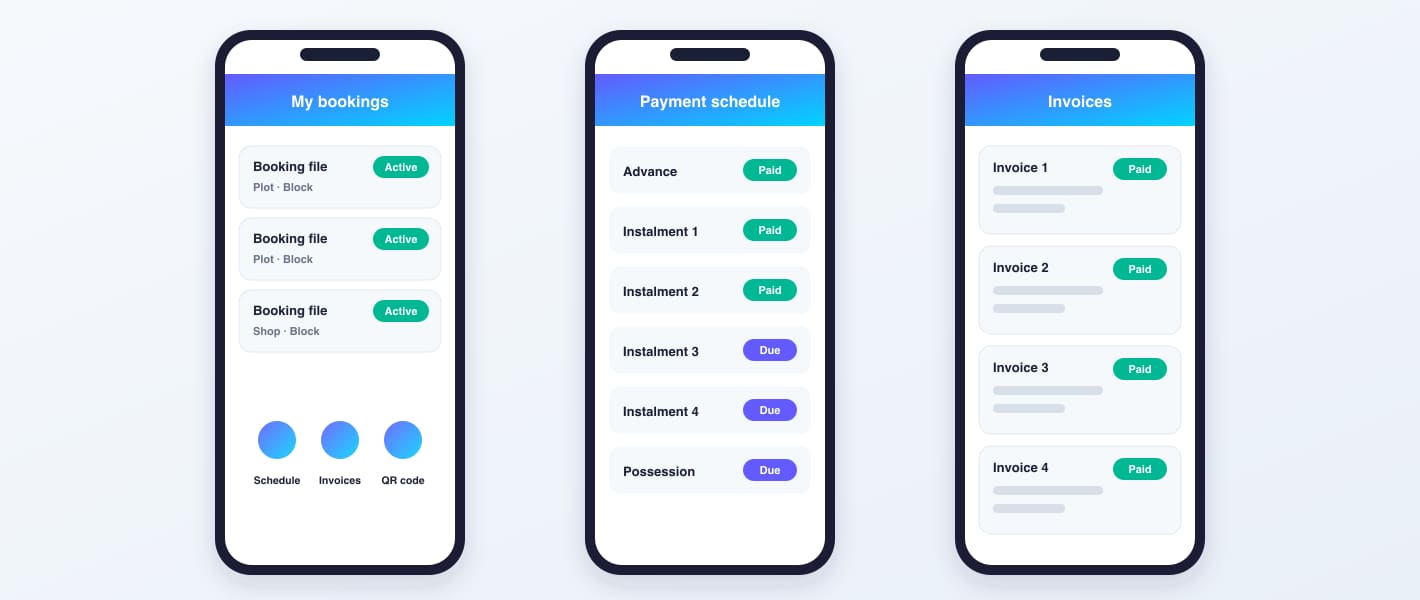
Track enquiries as leads with notes, calls, tasks, meetings and attachments, then convert them into clients. A mobile client app, Ezi Ghar, shows bookings, the payment schedule and invoices.
LeadsFollow-upsClient app
Recoveries, dashboards and access control
Overall and overdue instalment reports, a daily income report, project dashboards with booking and revenue charts, and role-based permissions, with HR, payroll, purchase and stock modules from the wider EZIERP.
Overdue reportDashboardsRoles
From plot to possession
One booking, followed to the ledger.
Follow a single plot through the system. Each step feeds the next, and the last steps keep the accounts and the client up to date.
List
The plot is added to its block and street with size and price.
Book
A client file is opened with next of kin, dealer and advance.
Plan
The instalment schedule is set and printed for the client.
Collect
Receipts are recorded and the client is told by SMS or WhatsApp.
Post
Each receipt posts to the client ledger and the chart of accounts.
Recover
Reminders and overdue reports chase what is still due.
The plot map and the books
Every plot on the map, every payment in the ledger.
Plots are shown block by block and coloured by status, so a booking, a sale or an overdue instalment is visible at a glance. Under the map, the chart of accounts and the customer ledger record the same story in money.
Chart of accountsAssetsCash and bankPlot instalments receivableIncomePlot salesSurcharge and transfer feesExpensesDealer commission
Customer ledger
Date
Entry
Debit
Credit
Balance
···
Booking
···
···
···
Advance received
···
···
···
Instalment due
···
···
···
Instalment received
···
···
···
Surcharge
···
···
···
Possession
···
···
Illustration of the layout. Blocks, plot colours and ledger rows are examples, not Nest City records.
Daily visibility
Management gets the day on WhatsApp.
For property companies EZIERP can send an automatic end-of-day WhatsApp summary to nominated numbers, so owners see the position without opening a report.
Layout of the daily message. Figures are left out here.
The client and the screens
The project, the schedule, the app and the dealer flow.
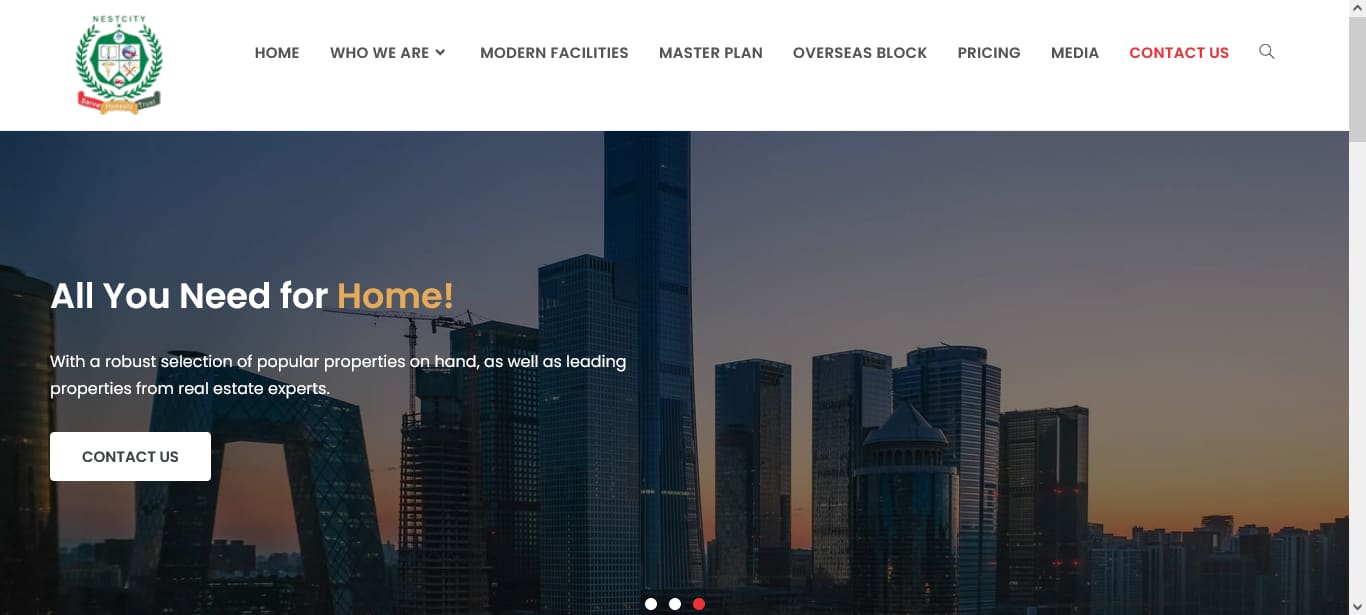
Nest City's public project website is one of Eziline's builds. The other panels are layout illustrations of society screens, with no real client data.
The Nest City project websiteScreenshot: Nest City project website (designed by Eziline)Payment schedule layout (illustration)Illustration: EzilineClient app screens (illustration)Illustration: EzilineDealer and booking changes (illustration)Illustration: Eziline
What changed
One system for the sales desk and the accounts desk.
Bookings, plots and accounts together
The sales side and the finance side work from the same booking file instead of separate registers.
Ledgers that can be trusted
Client, dealer and bank ledgers sit on a chart of accounts, so a balance can always be traced to its entries.
Clients can be contacted from the system
Confirmations, receipts, reminders and bulk messages go out by SMS, WhatsApp and email without leaving the ERP.
Recoveries are visible
Overdue and overall instalment reports show what is due, from whom and since when.
In plain words
Housing society management software in Pakistan: what it should do
Housing society management software has one hard job: keep a land sale accurate for years. A plot is booked, an advance is taken, instalments run for a long time, a dealer earns commission, the file may be transferred and finally possession is given. Spreadsheets break under that load. Generic accounting software knows nothing about plots, blocks or schedules. A real estate ERP built around the booking file ties inventory, payments and accounts together.
Nest City shows what that looks like in practice. Plot booking software records the file, the client and the dealer. Installment management software sets the schedule, collects receipts and applies surcharge. The society ledger and chart of accounts take every payment automatically, and plot file management keeps transfers and refunds on record. Client communication by SMS, WhatsApp and email, and a property dealer CRM for leads and commission, close the loop with buyers and agents.
Eziline builds EZIERP and custom real estate software in Pakistan for societies, developers and property dealers. We set up your projects, blocks and payment plans, import existing files, map your accounts, train your staff, and support the system after go-live. Book a free consultation and we will scope your version.
Housing society management software PakistanPlot booking softwareReal estate ERPSociety ledger and chart of accountsInstallment management softwareProperty dealer CRMPlot file managementClient communication SMS WhatsApp emailReal estate accounting softwareDealer commission softwareRecovery and overdue installment reportsEZIERP society management
Questions
Nest City: frequently asked questions.
What is housing society management software?
It is software that runs a housing society's core work: plot and block inventory, booking files, instalment schedules, receipts, client and dealer ledgers, the chart of accounts and communication with buyers. Nest City uses EZIERP for exactly this.
How does the system track plot bookings and files?
Each booking is a file with a form number and file number, the client, next of kin, plot size and preference, dealer, advance and attachments. Transfers, refunds and deactivation are recorded against the same file.
Can it manage instalment plans and recoveries?
Yes. You can set a cash plan or an instalment plan with advance, monthly, quarterly and half-yearly payments and possession, record receipts and surcharge, and read overall and overdue instalment reports.
Does it include a chart of accounts and ledgers?
Yes. EZIERP has a four-level chart of accounts, and receipts and vouchers post to it. Client, dealer and bank ledgers, a general ledger, trial balance and balance sheet read from the same entries.
Can we contact clients by SMS, WhatsApp and email?
Yes. Booking confirmations and payment receipts can be sent by SMS or WhatsApp, due-date reminders go out ahead of an instalment, and staff can send bulk messages to all clients, late payers or selected numbers. Leads are followed up by email, calls and meetings.
Does it handle dealers and commission?
Yes. Dealers are registered, attached to bookings, paid commission against each booking and given a ledger, and clients can be moved from one dealer to another with a transfer record.
Can we import our existing booking records?
Yes. Clients and bookings can be loaded from a bulk upload template, so you do not start from a blank system. We help clean and map the data during setup.
Can EZIERP be customised for our society?
Yes. We configure projects, blocks, payment plans, charges, approvals and accounts to your society, and install or host the system. Book a free consultation and we will scope it.
Your turn
Need a system like this for your organisation?
Tell us how your teams work today. We will show you the closest running system, then scope and quote yours with your workflows, roles and reports.