One ERP for 8,000+ security guards across Pakistan.
HRM software for security companies, in practice: Safety & Security Services (SSS) Pvt. Ltd. runs recruitment, registration, deployment, attendance, working hours, payroll and bank payments for more than 8,000 guards and supervisors on one custom-built ERP, linked across every office in the country.
Head office Rawalpindi/Islamabad, four regional and seven branch offices
Solution
Custom ERP: HRM, payroll, attendance, deployment, finance and banking
Delivered by
Eziline Software House
The challenge
Eight thousand people, hundreds of posts, one payday.
A guarding company sells reliability: the right person, at the right post, on the right shift, paid on time. At SSS scale that means thousands of records changing every day across a dozen offices.
People at scale
Every guard and supervisor carries a service record, documents, next of kin, training, a bank account and a post. Keeping that accurate for 8,000+ people across cities is a data problem before it is an HR problem.
Posts that never close
Guards are deployed against client agreements on 8-hour and 12-hour shifts, with relief and replacement behind them. The company has to know who is where, today.
Money that must be exact
Hours worked, allowances and deductions turn into salary, and salary must reach thousands of bank accounts, while the same company invoices its clients and keeps its own books.
One connected network
Twelve offices, one set of books.
The head office and every regional and branch office listed on sss.com.pk work on the same linked system, so the guards, deployments, attendance and payments entered in Quetta are the ones head office sees in Rawalpindi.
Every operation, from registration to the bank transfer.
The system is organised around the guard. Each module reads and writes the same profile, so nothing is typed twice.
Guard registration & records
One profile per guard: personal and address details, education, military service record, training, next of kin, family and emergency contacts, security verification and bank account. Bulk import brings existing records in.
RegistrationService recordDocuments
Recruitment & onboarding
Intake of ex-servicemen with rank, corps and trade captured from day one, then training and verification before the first deployment.
Ex-servicemenTrainingVerification
Deployment & jobs
Guards are attached to client locations under client agreements. Attachment and detachment dates are kept as history, so deployed and undeployed strength is known on any day.
PostsClient agreementsRelief & replacement
Attendance & working hours
Daily attendance and in/out sheets roll up into hours worked per guard and per post, with leave types handled in the same place.
AttendanceIn/out sheetsLeave
Payroll & salary
Salary built from hours, allowances and deductions, with tax rules and a hold facility for withheld payments. Guard payroll and office-staff payroll run side by side.
AllowancesDeductionsTax rulesSalary hold
Banking & payments
Guard bank accounts on file, bank-wise payments, cheque books, payment methods and bank payment and receipt vouchers, with bulk import of bank details.
Bank accountsCheque booksVouchers
Clients, agreements & invoicing
Client profiles, agreements and the services each client buys, then invoices with taxes, deductions, payment terms and recorded payments.
AgreementsInvoicesTaxes
Accounts & finance
A four-level chart of accounts, cost and revenue centres and a voucher workflow with prepared and approved states, so finance reads the same data as operations.
Chart of accountsCost centresApprovals
Fleet, stores & equipment
Vehicles with fuel, oil and filter records, store inventory with suppliers and damaged items, and equipment issued to guards and sites.
VehiclesInventoryIssued items
Roles, reports & dashboards
Permission modules per role, management dashboards and exports for every office, so each user sees exactly their part of the company.
RolesReportsExports
The guard lifecycle
From recruitment to bank transfer, on one record.
Follow a single guard through the system. Each step feeds the next, and the last step updates the books.
Recruit
Ex-servicemen enrolled with rank, corps, trade and documents.
Register
Profile, next of kin, training record and bank account verified.
Deploy
Attached to a client post and shift under an agreement.
Attend
Daily attendance and hours worked recorded.
Pay
Allowances, deductions and tax turn hours into salary.
Bank
Vouchers and bank payment settle salary and update the accounts.
Daily visibility
Management gets the day on WhatsApp.
The ERP sends an automatic WhatsApp summary to nominated managers, so the figures that matter arrive without anyone opening a report.
SSS ERP · Auto notification
Commercial details
Invoices generated today · pending recoveries
Bank receipt vouchers · prepared and approved
Bank payment vouchers · prepared and approved
Guards deployed · guards undeployed
Bank, cash and liability balances
Layout of the daily message. Figures are left out here.
The client
The people and places behind the numbers.
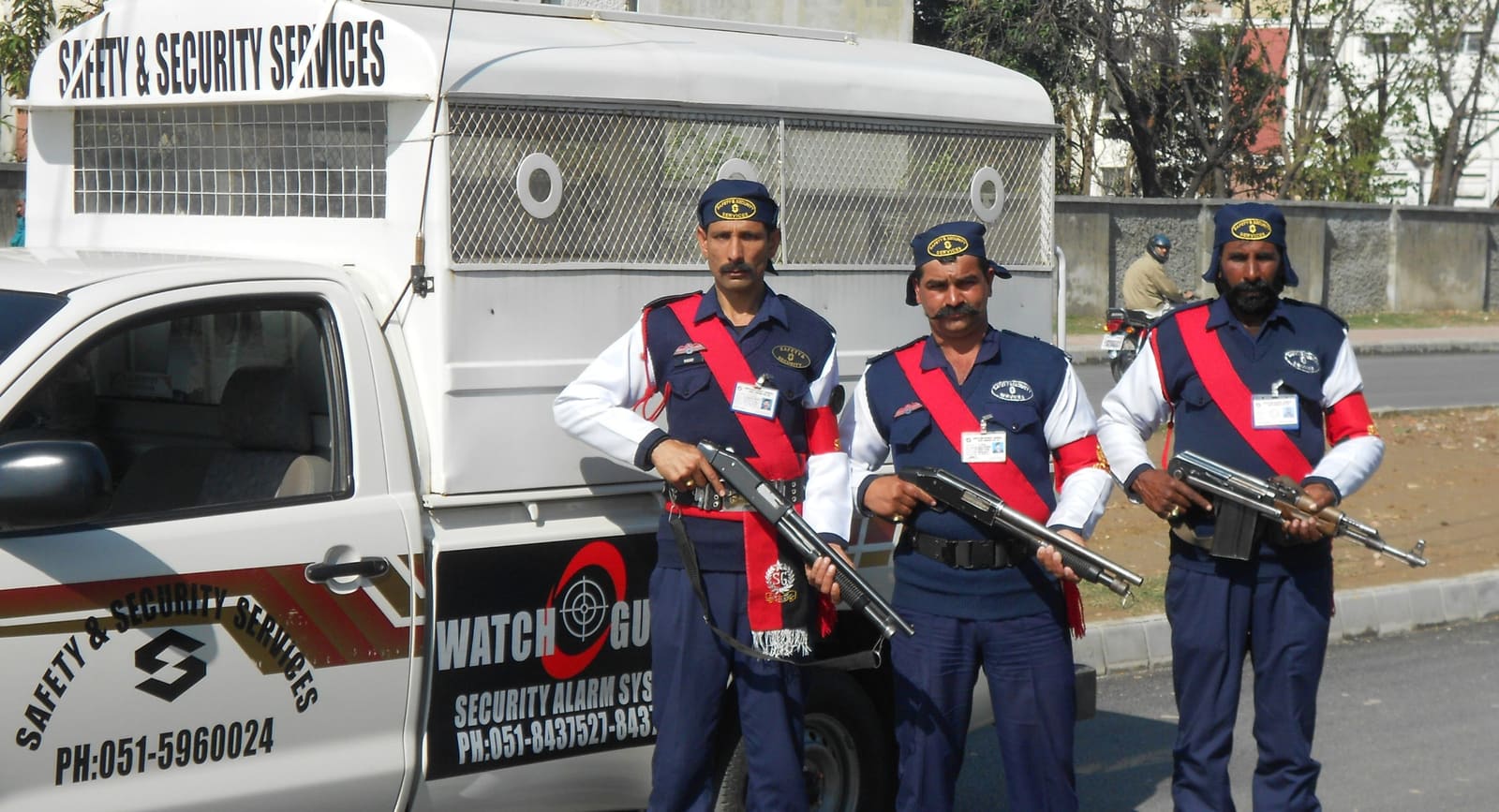
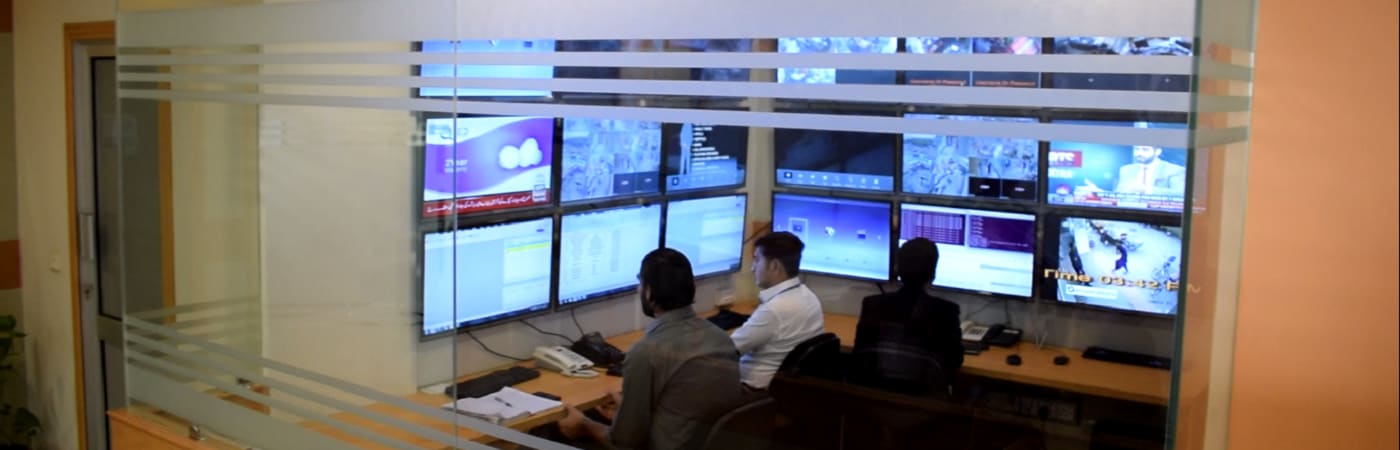
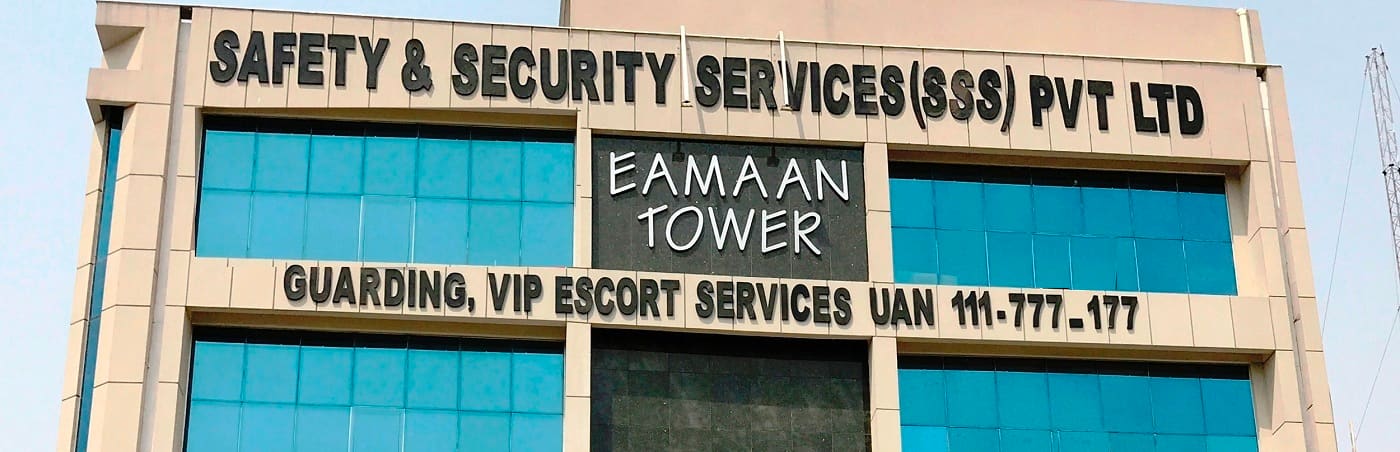
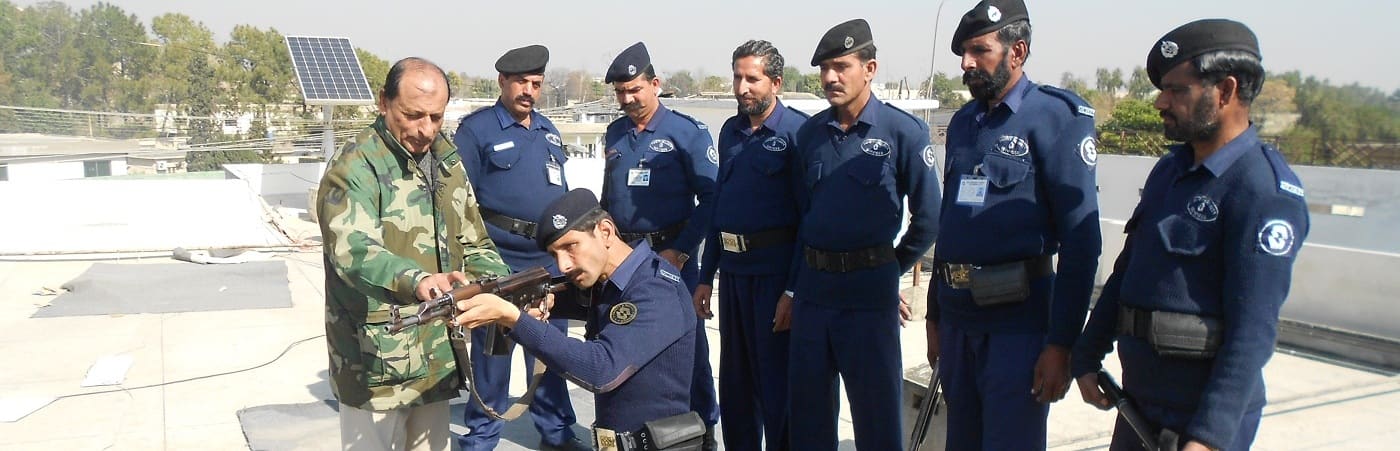
SSS is a licensed security company run from Eamaan Tower in Rawalpindi, with a field force drawn from ex-servicemen of the armed forces.
Guards on duty with an SSS patrol vehiclePhoto: SSSMonitoring control roomPhoto: SSSHead office, Eamaan Tower, RawalpindiPhoto: SSSRefresher training for the field forcePhoto: SSS
What changed
One system the whole company works in.
One profile per guard
Registration, deployment, attendance, pay and bank details sit on a single guard profile.
Every office on the same data
Head, regional and branch offices work from one linked system across Pakistan.
Operations to bank in one flow
Attendance feeds payroll, and payroll feeds bank payments and the accounts.
Daily management visibility
An automatic WhatsApp summary gives managers the day's numbers without a report request.
In plain words
HRM and payroll software for security guard companies in Pakistan
Running a security company is a workforce-management problem. Guards, supervisors and managers are deployed in shifts across cities, paid by the hour or the month, and each one is an employee with a verified record. Generic payroll tools handle salary and generic HR tools handle files, but a security company needs both tied to deployment, client agreements and invoicing. That is what an ERP with an HRM module built around the guard does.
The SSS system shows what that looks like in practice: guard registration and recruitment, deployment and posting history, attendance and working-hours tracking, payroll with allowances and deductions, salary payment through bank accounts and vouchers, and client invoicing, all linked across head, regional and branch offices. The same architecture suits any organisation with a large field workforce: facility management, cleaning, logistics, manpower supply, hospitals and government departments.
Eziline builds HRM software, payroll software and complete ERP systems in Pakistan for workforces from a few hundred to several thousand people. We configure the modules to your trades, shifts, allowances and compliance needs, install or host the system, and support it after go-live.
HRM software for security companiesSecurity guard management softwareGuard payroll and attendance softwareWorkforce management software PakistanMulti-branch ERP PakistanManpower supply company softwareAttendance and payroll systemBank payment and voucher automationRecruitment and onboarding softwareERP for security agencies
HRM software for a security company manages the guard workforce end to end: recruitment and registration, deployment to client posts, attendance and working hours, payroll, and payment to bank accounts. In the SSS system these modules share one guard profile and also feed client invoicing and accounts.
Can one ERP manage 8,000 or more guards across several cities?
Yes. SSS runs more than 8,000 guards and supervisors on a single ERP that links its head office with its regional and branch offices across Pakistan.
Does the system handle guard payroll and bank payments?
Yes. Payroll is built from attendance and hours, allowances, deductions and tax rules, and payment runs through guard bank accounts with payment and receipt vouchers that update the accounts.
How are deployments and attendance tracked?
Guards are attached to client locations under agreements, with attachment and detachment dates kept as history. Daily attendance and in/out sheets roll up into hours worked per guard and per post.
Can the ERP be customised for our company?
Yes. We configure the modules to your trades, shifts, allowances and approval rules. Book a free consultation and we will scope your version.
Your turn
Need a system like this for your organisation?
Tell us how your teams work today. We will show you the closest running system, then scope and quote yours with your workflows, roles and reports.